
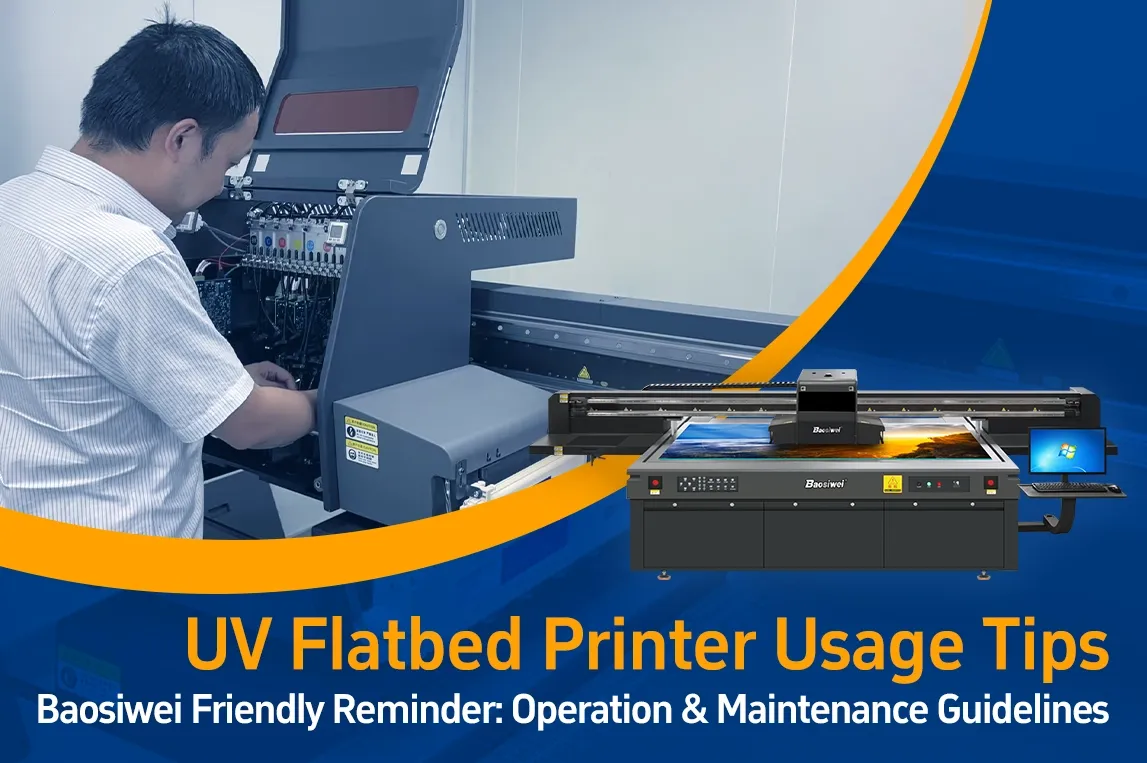
UV Flatbed Printer Usage Tips —— Baosiwei Friendly Reminder: Operation & Maintenance Guidelines
UV Flatbed Printer Usage Tips
Baosiwei Friendly Reminder: Operation & Maintenance Guidelines
In real production environments, many customers do not start by asking about machine parameters or configurations when they first contact us. Instead, they are more concerned about practical, day-to-day usage questions, such as:
- Why does the service life of the same printhead vary from user to user? Under normal conditions, how long should a printhead last?
- After purchasing the machine, what basic requirements should be considered when arranging the workshop environment to ensure long-term stable operation of a UV flatbed printer?
- If the machine needs to stop running for a period of time, how should it be maintained to ensure consistent printing results when it is used again?
Through subsequent communication and on-site technical support, we have found that these questions are often closely related to operating details, environmental conditions, and daily maintenance practices during actual use.
As UV digital printing technology continues to mature, UV flatbed printers have gradually shifted from being “occasionally used backup equipment” to high-frequency, continuously operating production machines. Once a printer enters this mode of operation, user habits, environmental factors, and maintenance routines often have a greater impact on long-term performance than parameter settings alone.
Based on Baosiwei’s real-world experience from on-site support, sample testing, and long-term customer feedback, we have summarized a number of UV flatbed printer usage points that are often overlooked but are critical to long-term stable operation. We hope these reminders can help you avoid common issues before they begin to affect production.
I. Equipment Operation Precautions
1. Printhead Movement
Do not manually move the printhead when the power is on. This may damage the head limit switch, affect positioning accuracy, and even cause machine malfunctions.
2. Proper Power Shutdown
Always turn off the machine using the power switch. After switching off, wait until the power is completely cut before unplugging power or data cables, to avoid electrical impact on the control system.
3. Preparation Before Machine Transportation
If the machine needs to be moved, make sure the printhead is returned to its home position first. It is recommended to secure the printhead and machine body with protective film or fixing materials to prevent movement or damage during transportation.
4. Avoid Forced Interruption During Printing
Avoid suddenly stopping the machine during printing. If printing must be paused, return the machine to the home position and perform ink priming before resuming, to ensure print quality and stable operation.
5. Ink Contact With Skin or Eyes
If ink comes into contact with skin, wash immediately with soap and clean water. If ink splashes into the eyes, rinse thoroughly with plenty of clean water and seek medical advice promptly.
6. Ink Bottle Handling
Avoid shaking ink bottles vigorously. Before use, gently shake to mix the ink evenly, then slowly introduce it into the ink tube to ensure stable ink supply.
7. Machine Placement
The UV flatbed printer should be placed on a flat and stable surface. An uneven or inclined floor may cause vibration or printing deviation.
8. Ensure Proper Ventilation
Leave sufficient space around the machine to maintain good ventilation, which helps heat dissipation and reduces the risk of overheating-related failures.
II. Working Environment Requirements
9. Avoid Drastic Temperature and Humidity Changes
Avoid placing the machine in areas with large temperature or humidity fluctuations. Also keep it away from direct sunlight, strong light, or heat sources.
10. Avoid Vibrating Environments
Install the machine in a stable location. Continuous vibration or shaking may affect printing accuracy.
11. Power Supply Arrangement
Place the machine close to a wall socket for easy access and to avoid long cable connections.
The machine must have an independent grounding wire. The grounding rod should be approximately 1 meter long, made of steel with a diameter of about 1 cm, and driven 1 meter deep into the ground.
12. Recommended Temperature and Humidity
The recommended working temperature is around 25°C, with relative humidity at approximately 65%.
Excessive temperature may cause ink misting or feathering. Air conditioning or other cooling measures are recommended when necessary.
III. Maintenance & Safety Precautions
13. Avoid Heavy Pressure and Blockage
Do not stand on the machine or place heavy objects on it. Ensure ventilation openings are not blocked. Do not use damaged cables, and never plug or unplug connectors with wet hands.
14. Safety Before Cleaning or Transportation
Always power off and disconnect cables before cleaning or maintenance. When transporting the machine, keep it in a horizontal position to protect internal components.
15. No Unauthorized Disassembly
Non-professional personnel should not disassemble the machine casing, internal boards, power units, or electronic connectors. Improper handling may cause serious damage.
16. Long-Term Shutdown Maintenance
If the machine will be idle for an extended period, remove the printheads, drain ink from cartridges, thoroughly clean the ink system, and cover the machine with a dark cloth to protect it from light and dust. This ensures proper condition for the next use.
Conclusion | Stable Production Comes From Correct Long-Term Use
In real-world UV flatbed printer usage, problems caused by factory defects are relatively rare.
For Baosiwei, machine stability is a fundamental requirement at the manufacturing and delivery stage.
However, in long-term production environments, most issues arise from small operating habits, environmental factors, or maintenance details that gradually accumulate over time and eventually lead to noticeable performance changes.
These guidelines are not meant to force users to follow rigid procedures, but to help avoid preventable issues and keep the machine operating in a controlled and stable condition.
Among customers using the same model and configuration, some achieve years of stable production, while others encounter more frequent issues. The difference usually lies not in the machine itself, but in whether proper long-term usage practices are established.
For Baosiwei, long-term stable production is more important than single print results.
If you encounter any uncertainty while using a UV flatbed printer, Baosiwei’s technical team and our “One-Click Repair” service system are always available to support you.
We hope these practical reminders, based on real application experience, can provide meaningful assistance in your daily production.